

SpaceId
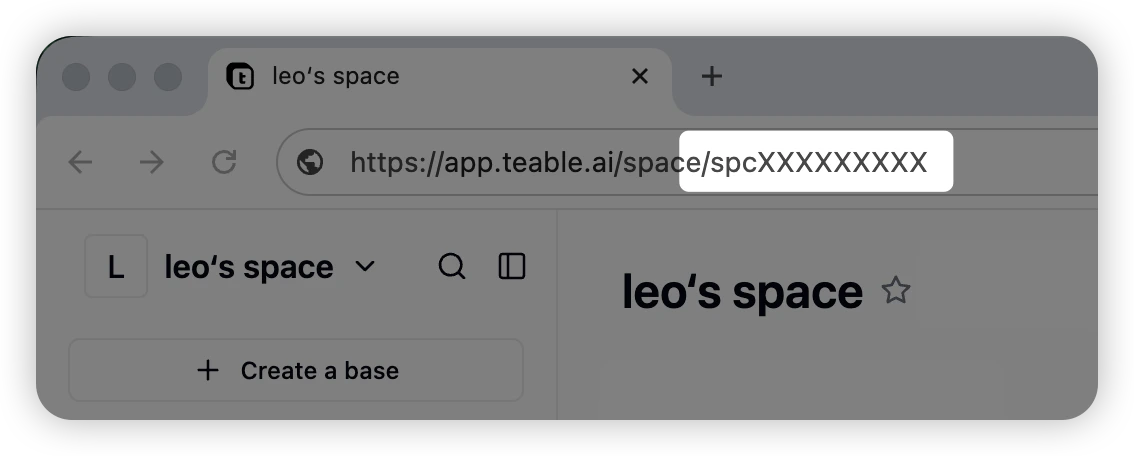
Click on the target space and copy the string starting with ‘spc’ from the URL, example:spcXXXXXXXXXX
BaseId
Click on the target project and copy the string starting with ‘bse’ from the URL, example:bseXXXXXXXXXX

TableId
Click on the target table and copy the string starting with ‘tbl’ from the URL, example:tblXXXXXXXXXX

ViewId
Click on the target view and copy the string starting with ‘viw’ from the URL, example:viwXXXXXXXXXX

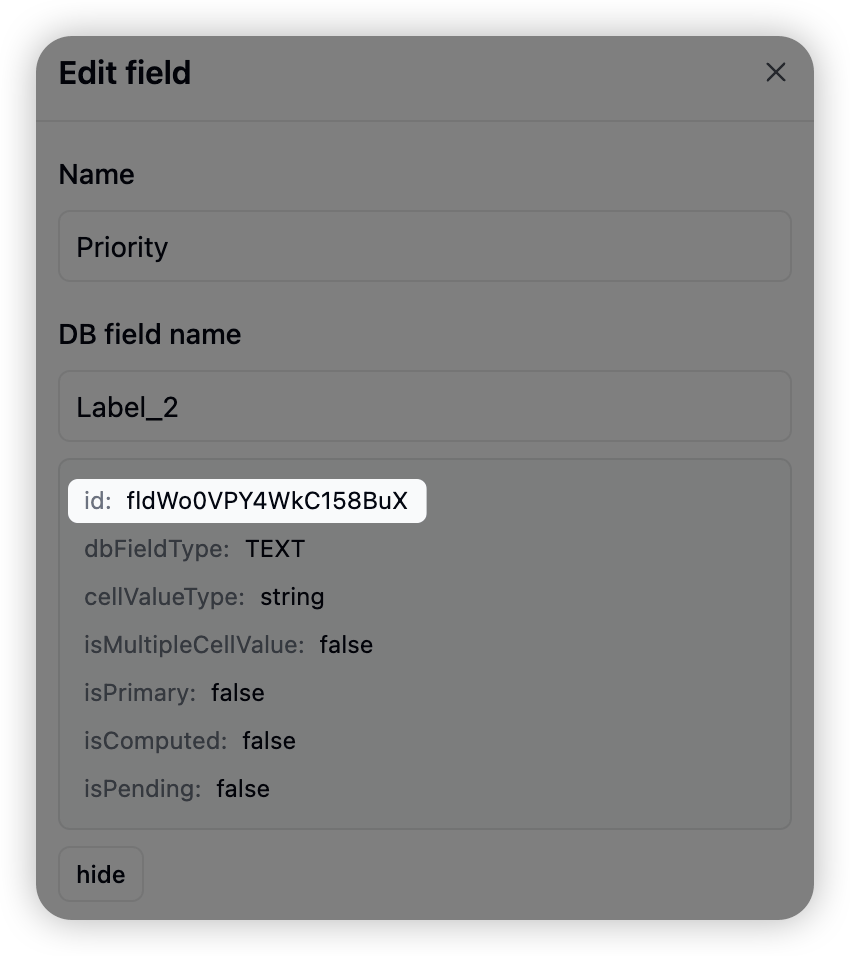
FieldId
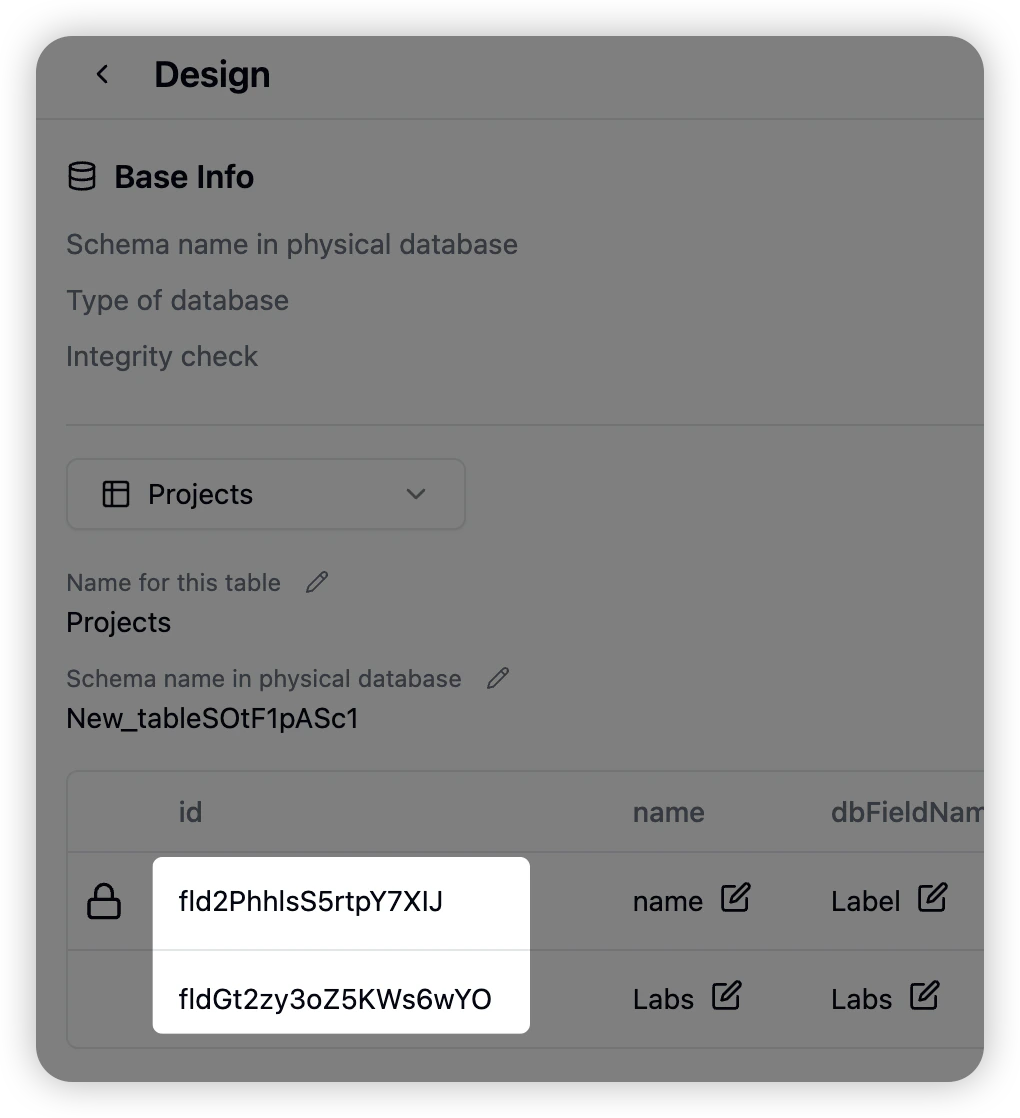
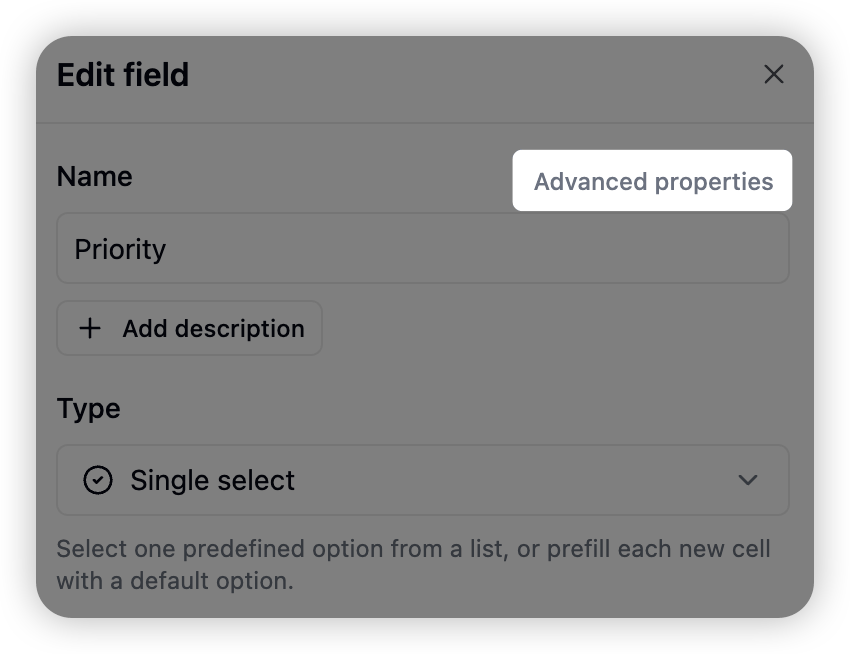
Method 1: Click the “More” icon (three dots) in the top left corner, then select “Design” to enter the design interface and view all field IDs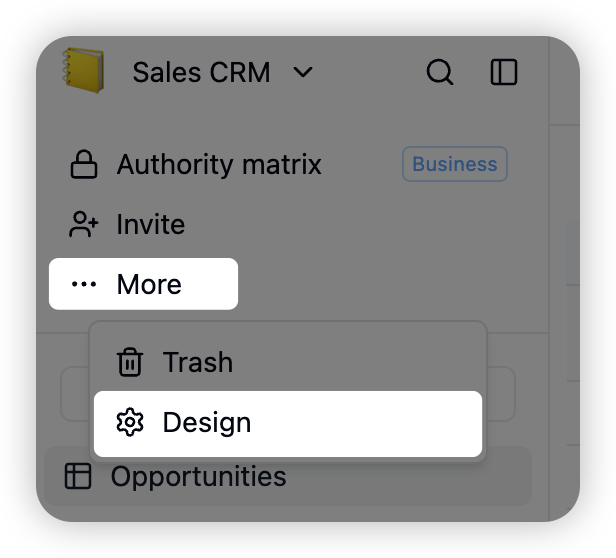
RecordId
Expand the record edit form and copy the string starting with ‘rec’ after ‘recordId=’ in the URL, example:recXXXXXXXXXX
