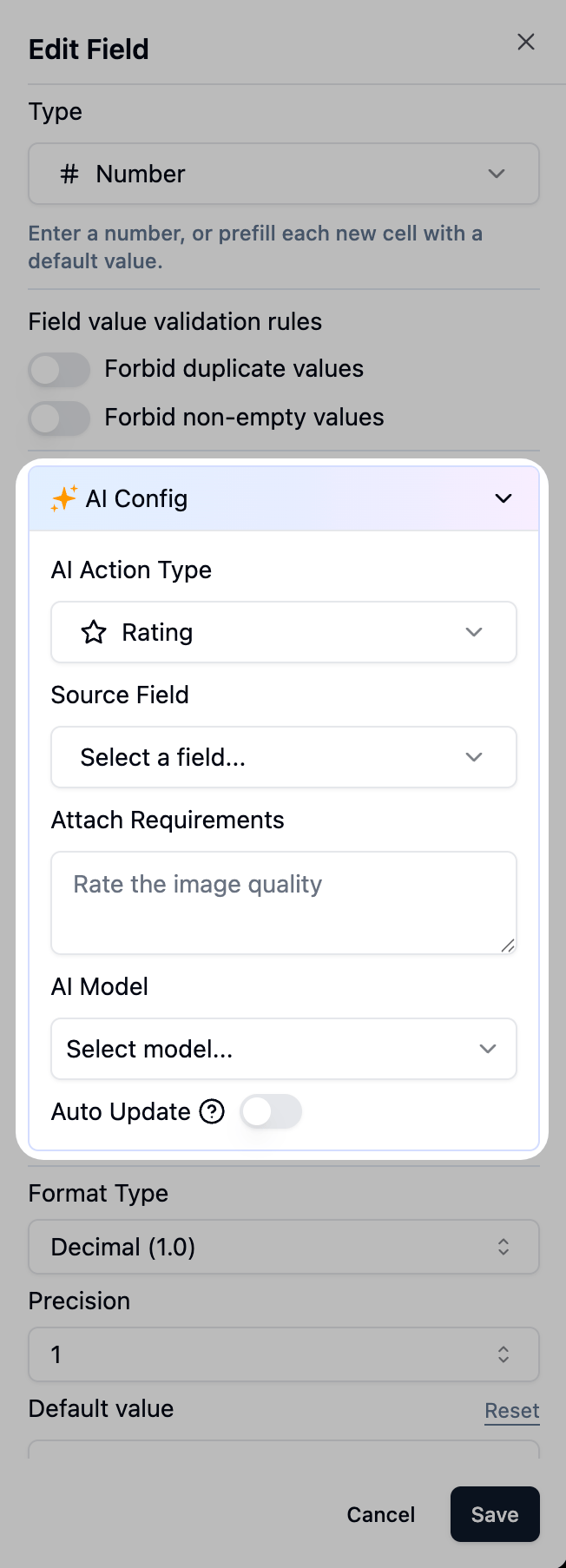
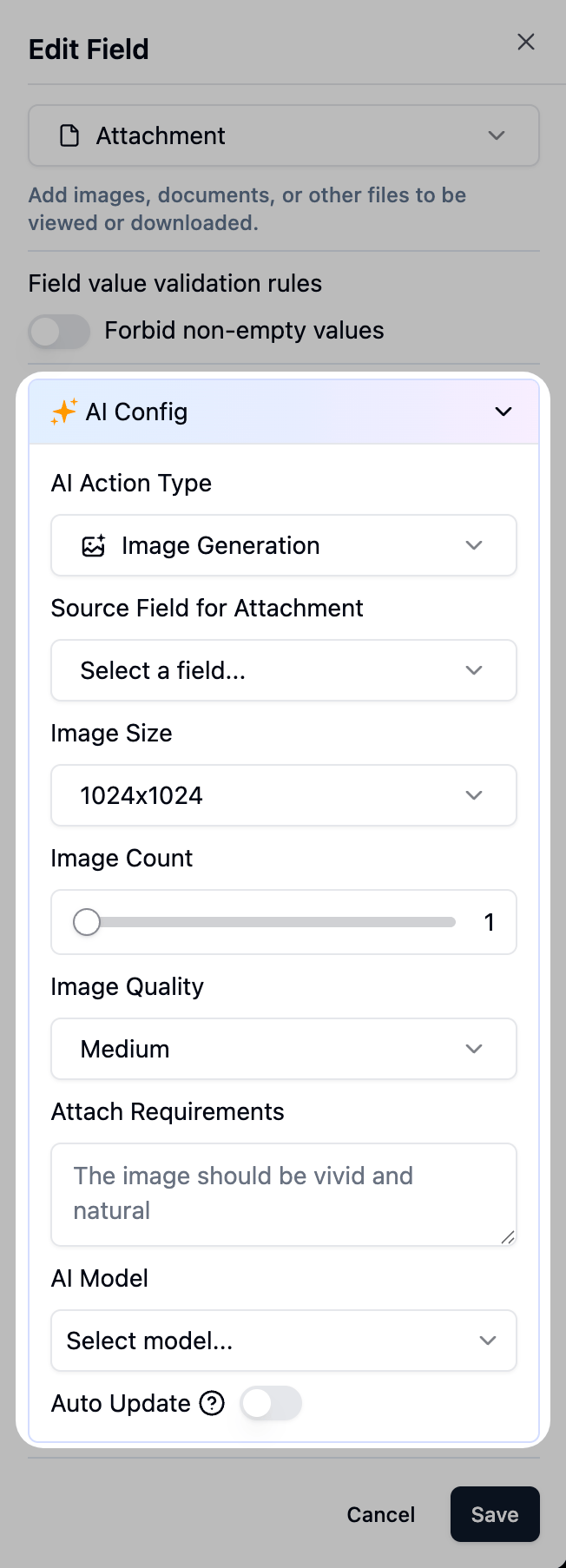
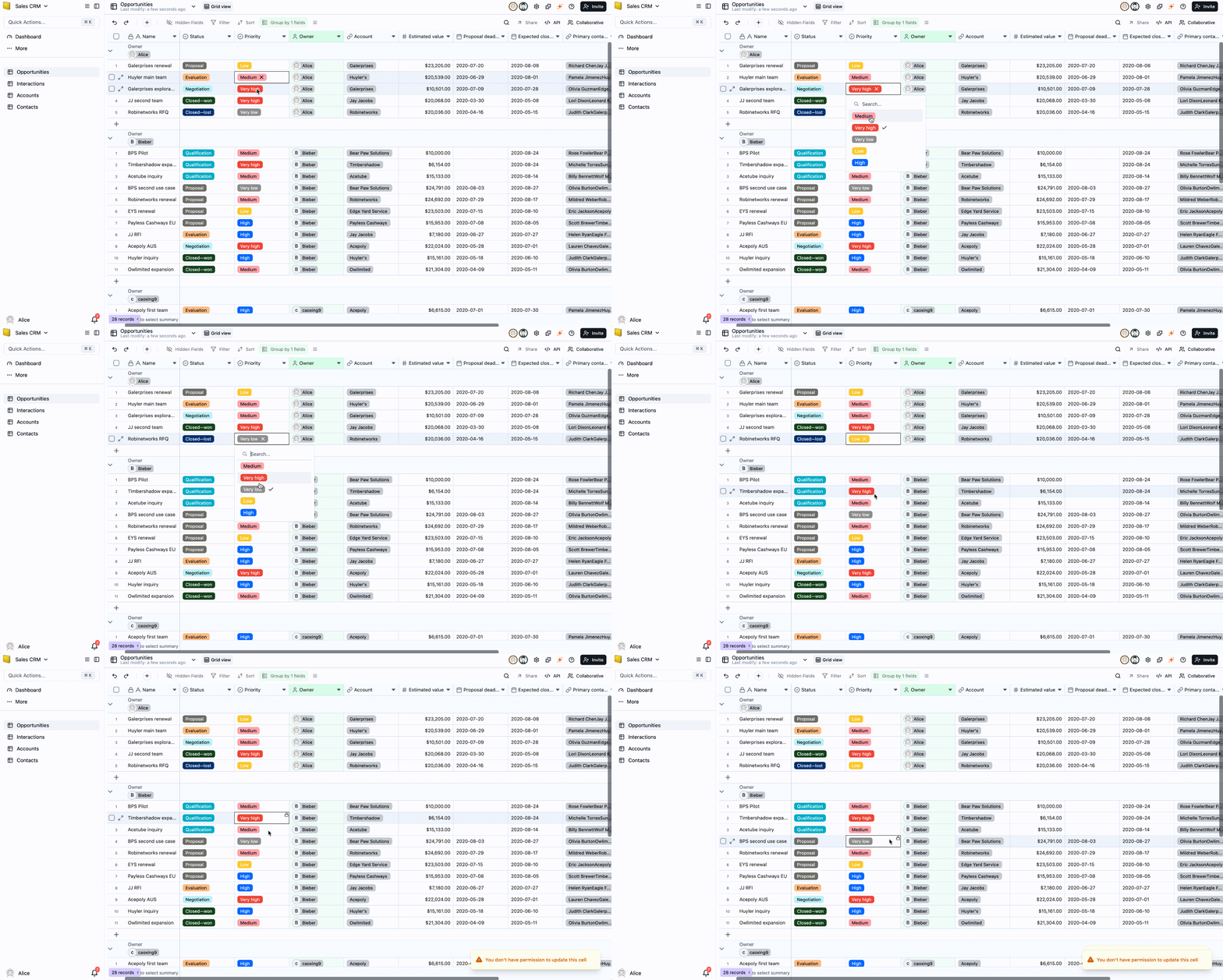
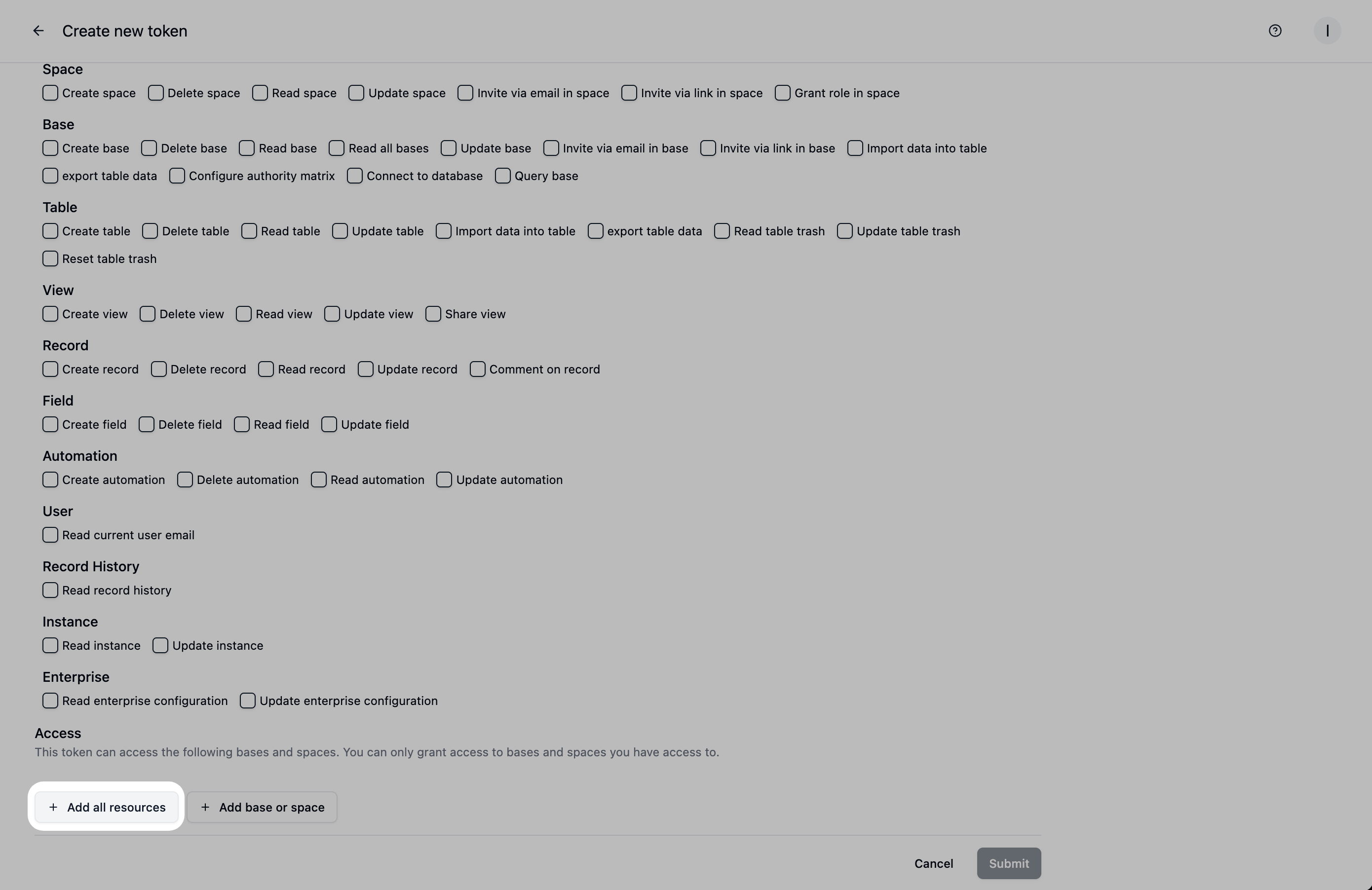
This release brings 6 big revolutions, rewriting how we work with data.
Talk to Build Databases: Say goodbye to disorganized leads. Teable can automatically tag sentiment and draft replies from your CRM data.
Talk to Build Apps on Data: Generate apps directly from your database (e.g., turn a leads table into a landing page in minutes). Unlike vibe-coding tools that leave you with a dead app, Teable builds apps that actually run on live data
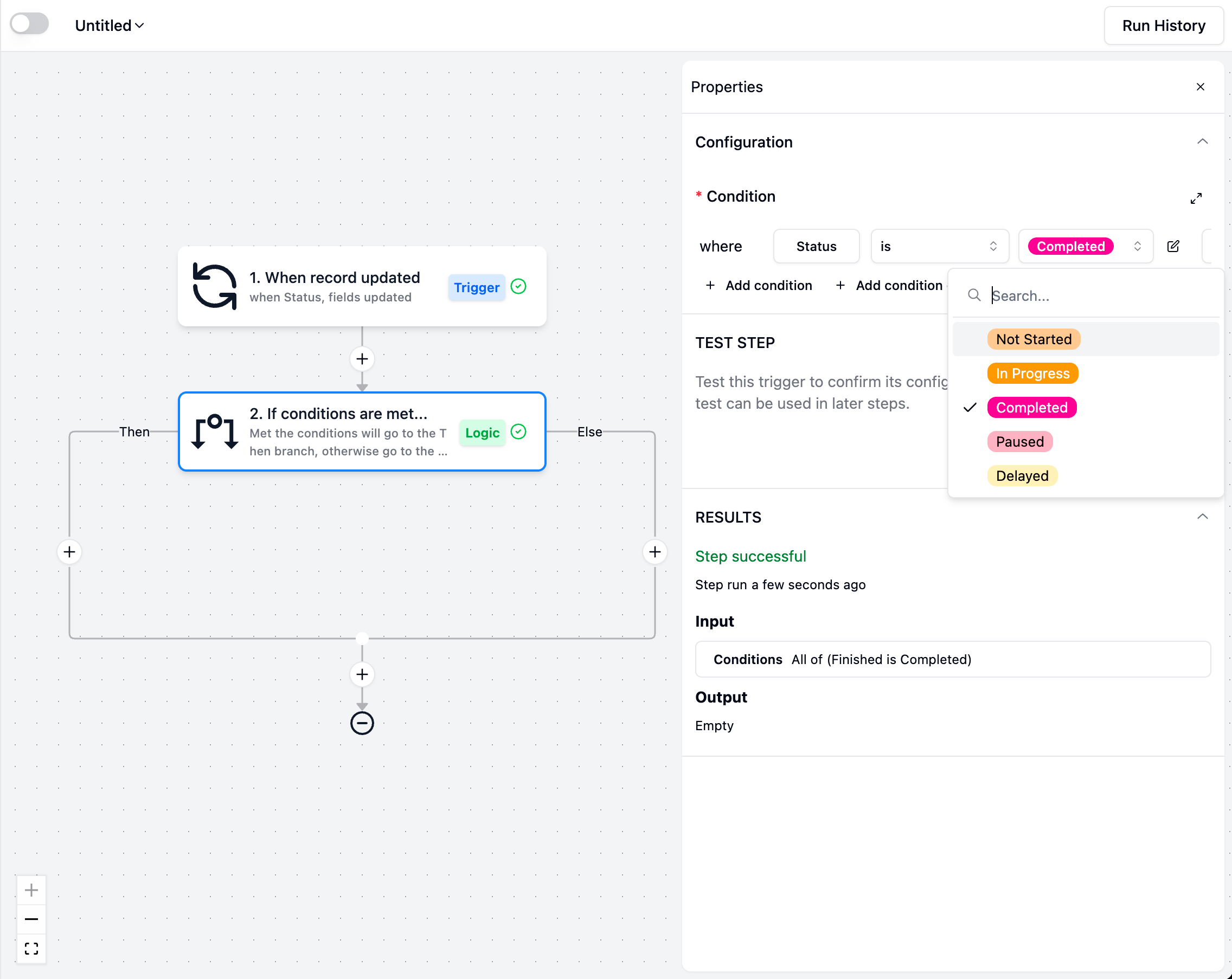
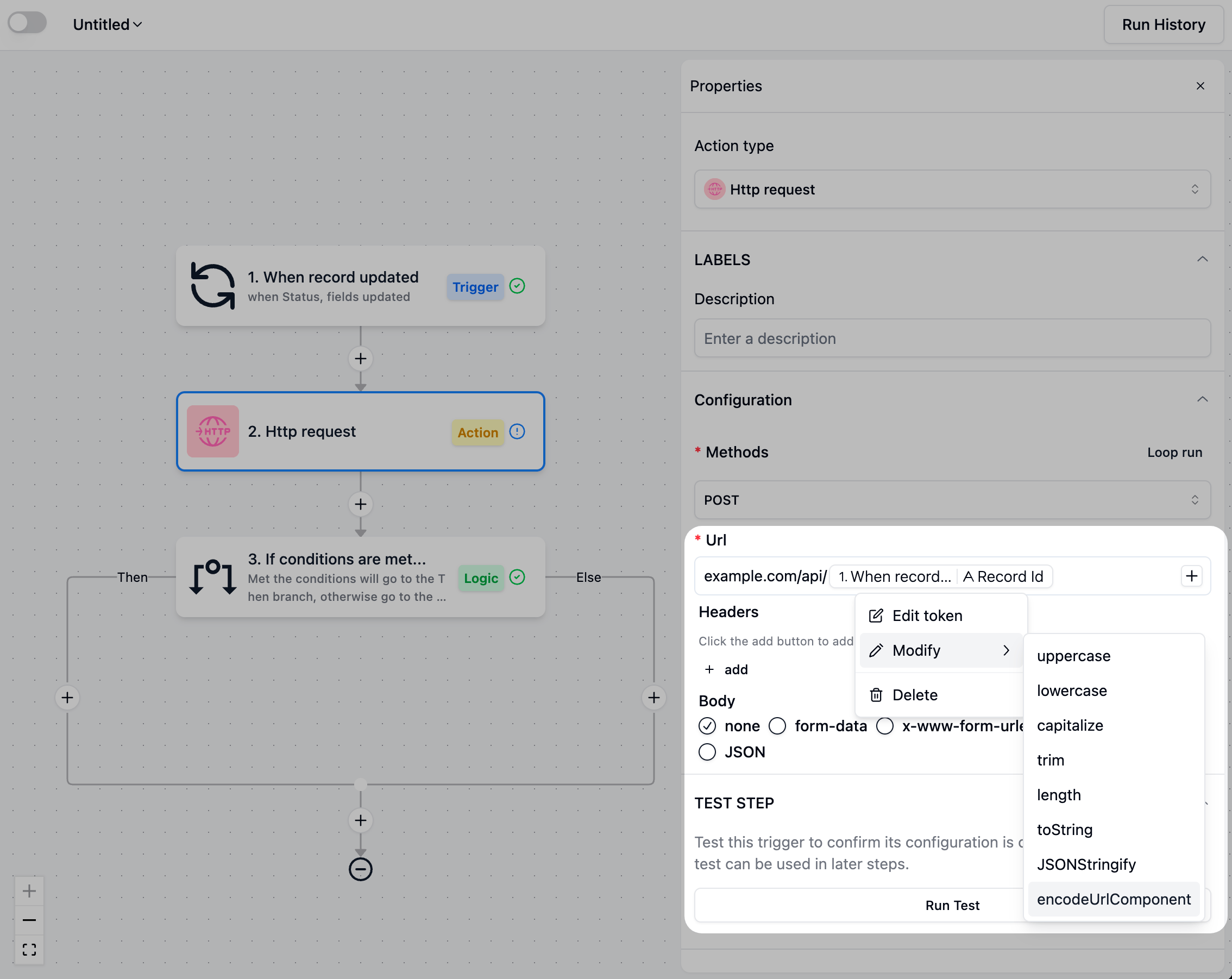
Talk to Automate Workflow: Create automations in plain language (e.g., “email your customer or teammate when a form is submitted”). Customers and teammates get notified instantly.
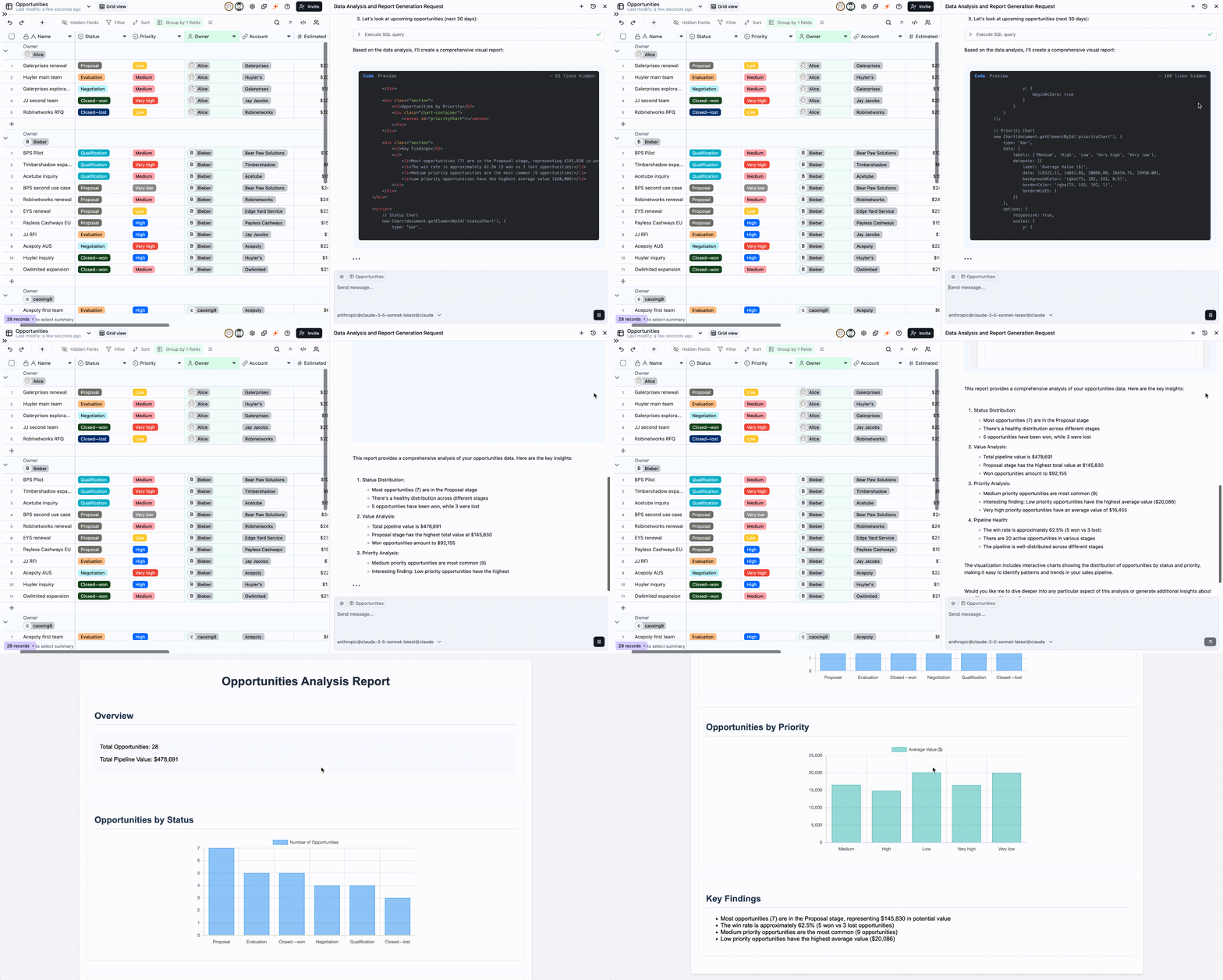
Talk to Data for Analysis: Conversational query, visualize, and get instant insights on your data. No SQL, no code.
Talk to Process Data at Scale: Batch-handle files and auto-extract key fields. (e.g., just drop in your invoices, then hit the share button and send it straight to your accountant)
Batch Image & Copy Generation: Batch-generate product images, copy, and video scripts to become a super marketer
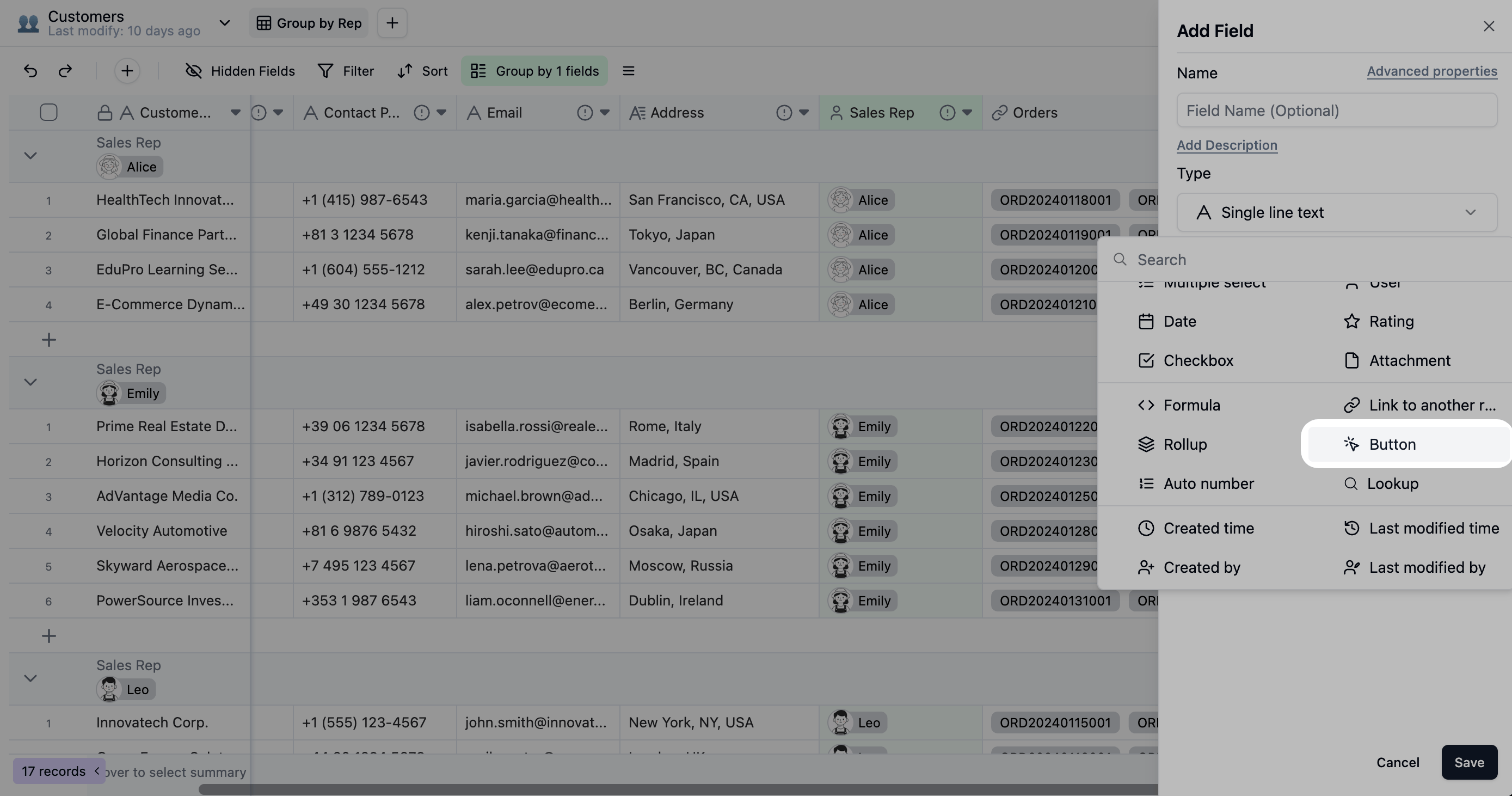
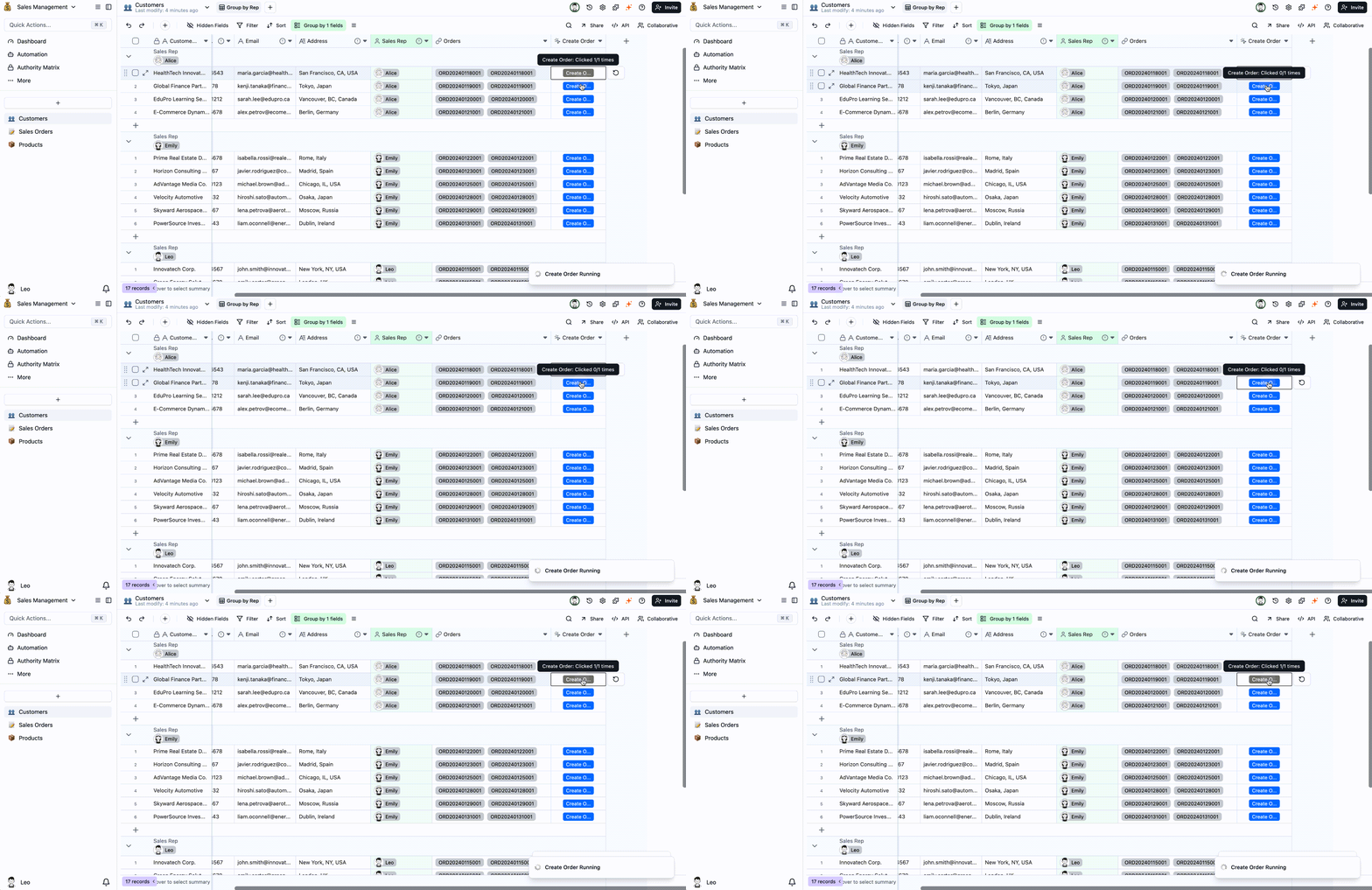
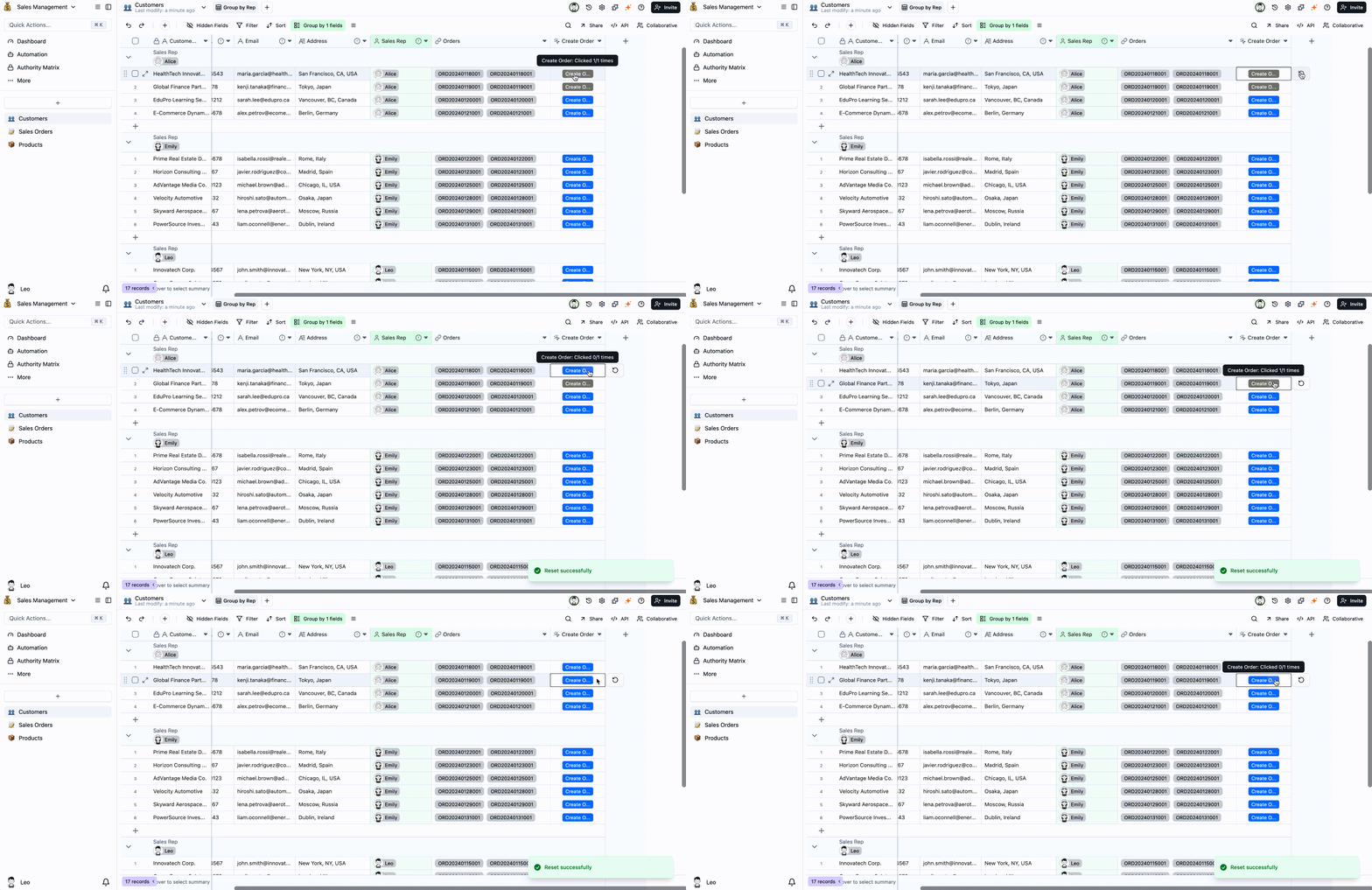
The Button field is a powerful interactive tool that transforms static rows of data into actionable units. With a single click, users can trigger pre-configured automations to handle internal data flows—like updating a record’s status or syncing data across tables—and even perform external actions, such as sending custom notifications or calling an external API. It also supports custom labels and colors, limits on clicks and resets, and allows read-only users to trigger actions.
One-Click Actions: Effortlessly manage status changes, sync data, send notifications, and more.
Precise Control: Set a “Max clicks” and a “Allow reset” for each button to prevent accidental clicks or duplicate actions.
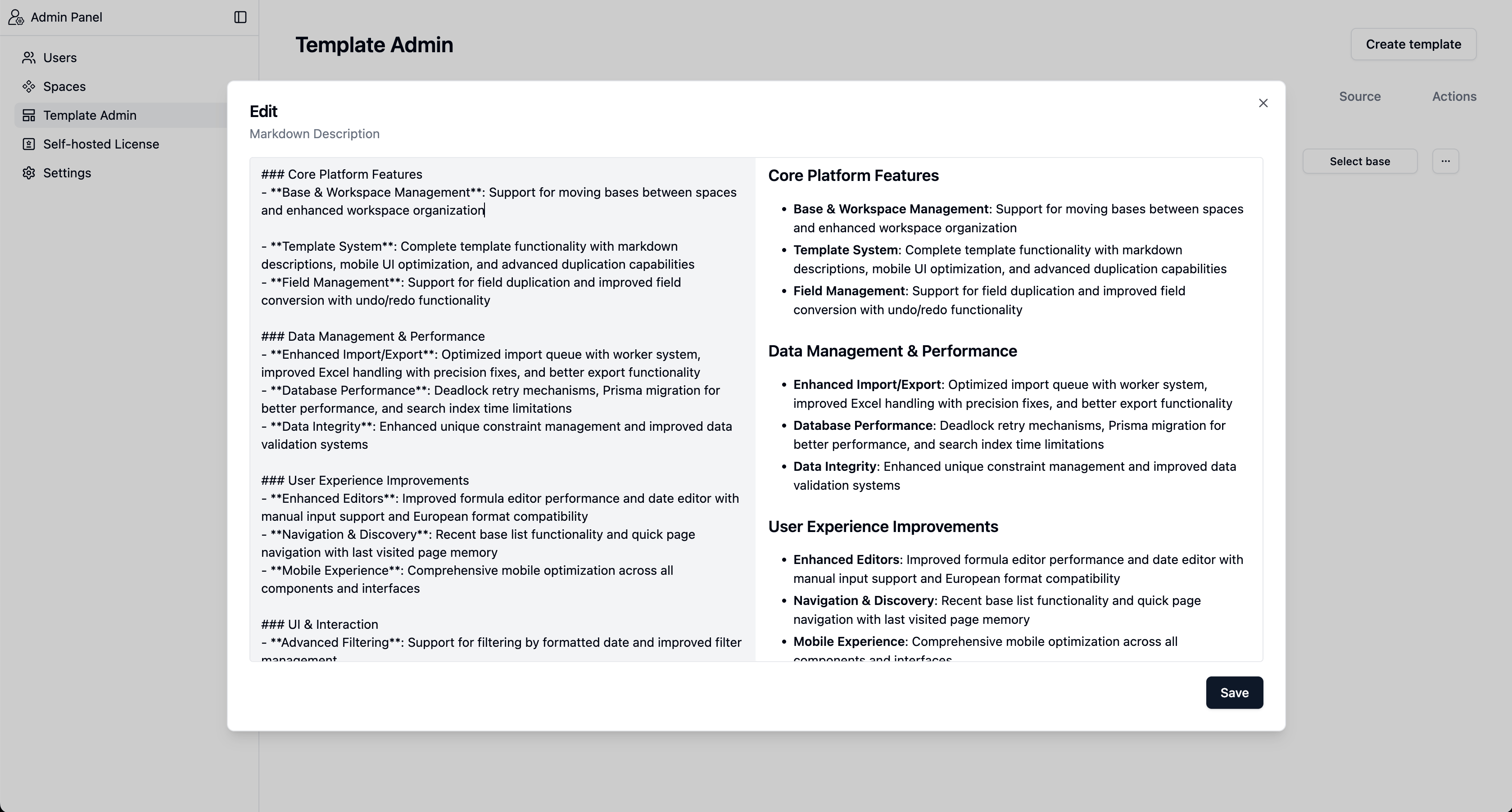
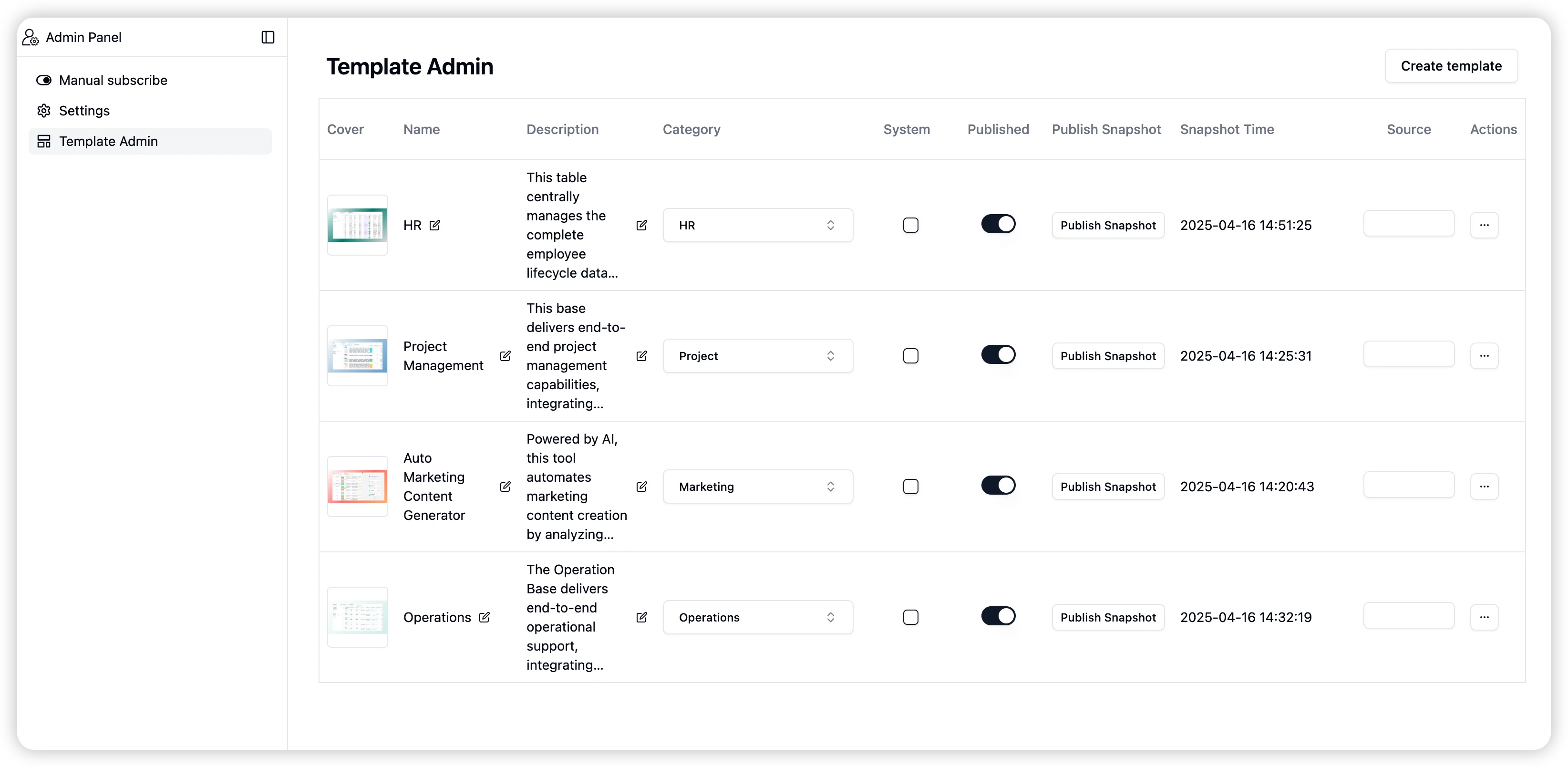
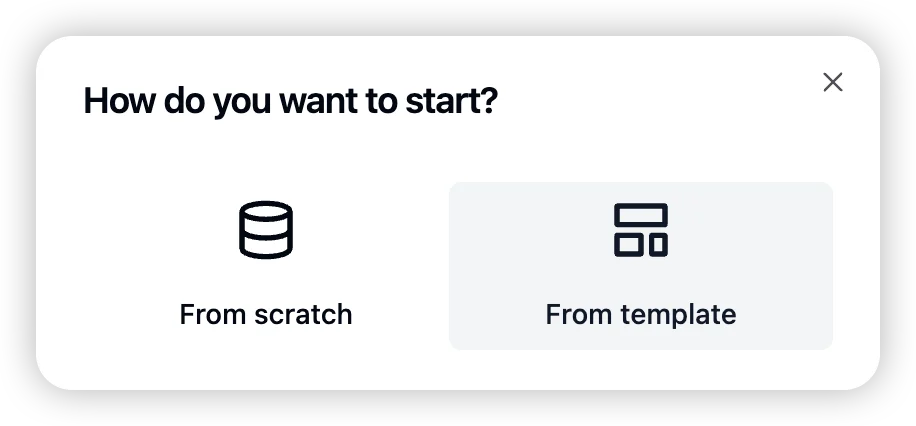
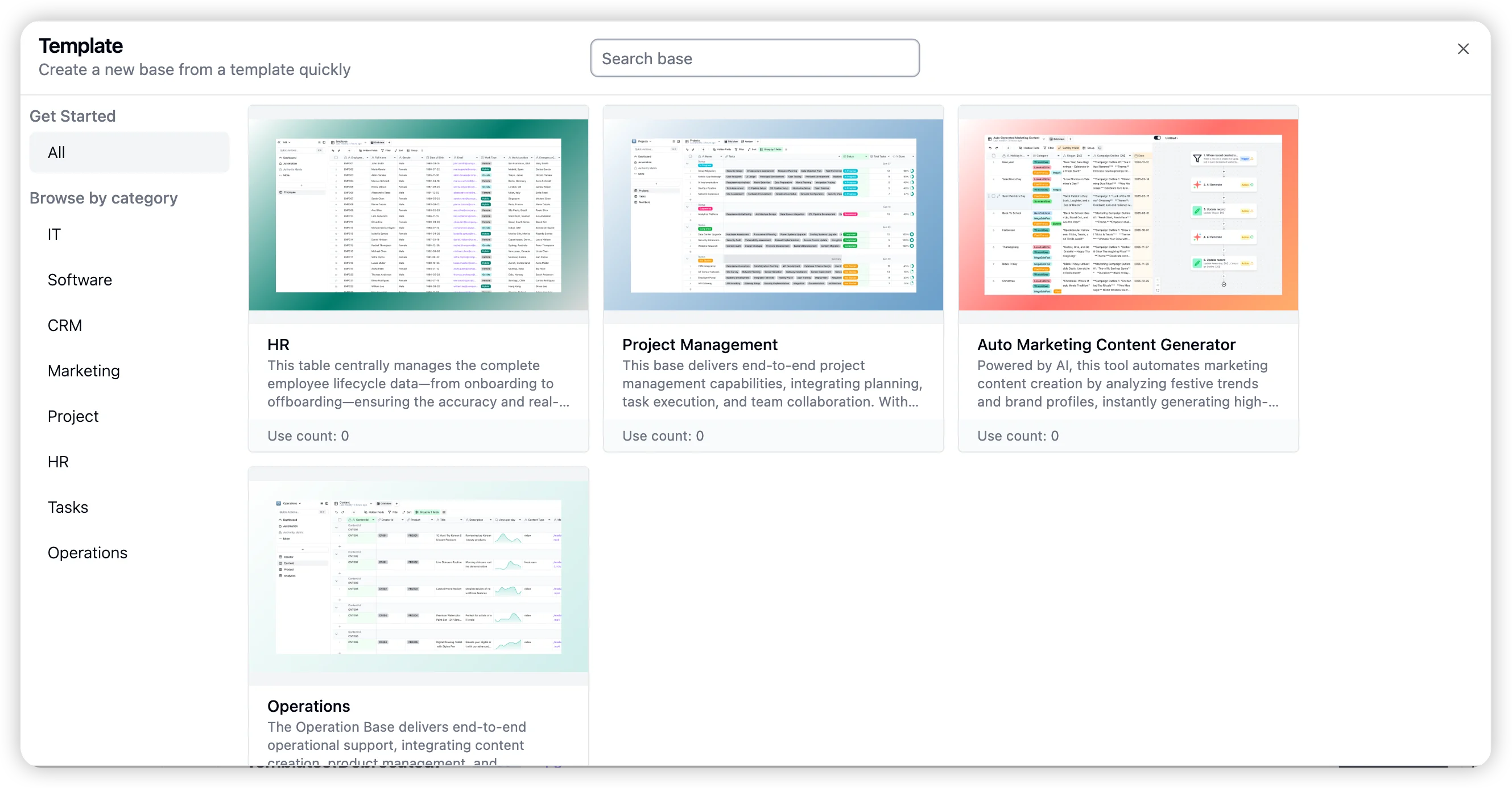
Navigate to Admin Panel > Template Admin to create a new template.You can select a base from any space, customize it with a cover image, and add a detailed description.Users can create new bases from any available template.