Self-hosted only: Available for all versions with unlimited connections. For setup, see Database Connection. Creating a Database Connection
- Open a Table: First, open any table within the base you want to connect to.
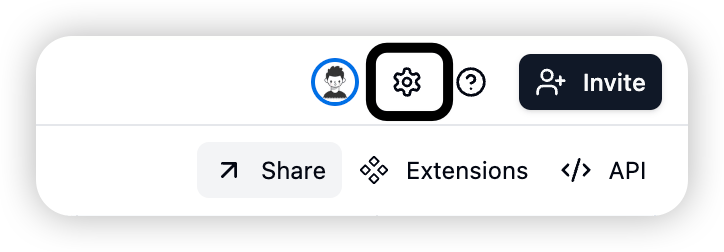
- Enter Design Page: Click the ⚙️ icon in the top right corner to enter the Base Design page.

- Find Database Connection Panel: In the Design page, locate the “Database Connection” panel.
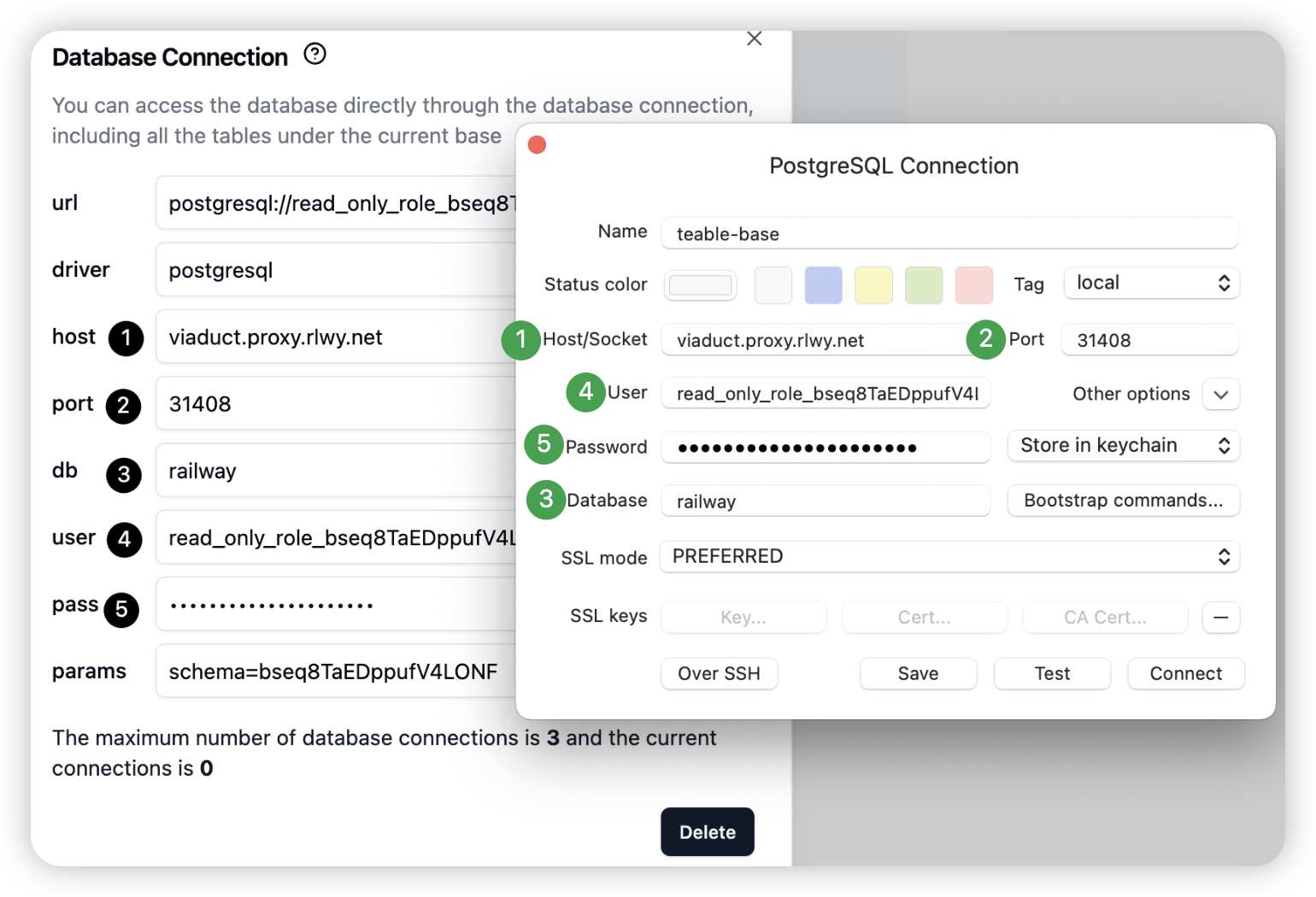
- Create Connection: Click create, and the system will automatically generate a read-only PostgreSQL connection with username, password, and host address.

Connecting to the Database
Use the credentials to connect through your preferred tool. Here’s an example:
Querying Data
Once connected, you can query data using SQL:
SELECT * FROM "bseamGnQT65TVSCzIaC"."clients" LIMIT 100
" around schema and table names to preserve case sensitivity.
To write this query, you’ll need to know three things:
- Schema name (BaseId): The base identifier starting with
bse
- Table name: The physical table name in PostgreSQL
- Field names: The actual column names in the database
The following sections explain how to find each of these.
Finding the BaseId (Schema Name)
Each Base in Teable corresponds to a schema in PostgreSQL. The BaseId is the schema name used in SQL queries.
Method 1: Look at the URL - the string starting with bse is the BaseId.
 Method 2: In the Base Design interface, the schema name shown is the BaseId.
Finding Table Names
Table names in Teable interface don’t automatically sync with physical database table names. Check the Base Design Interface for the actual database table name.
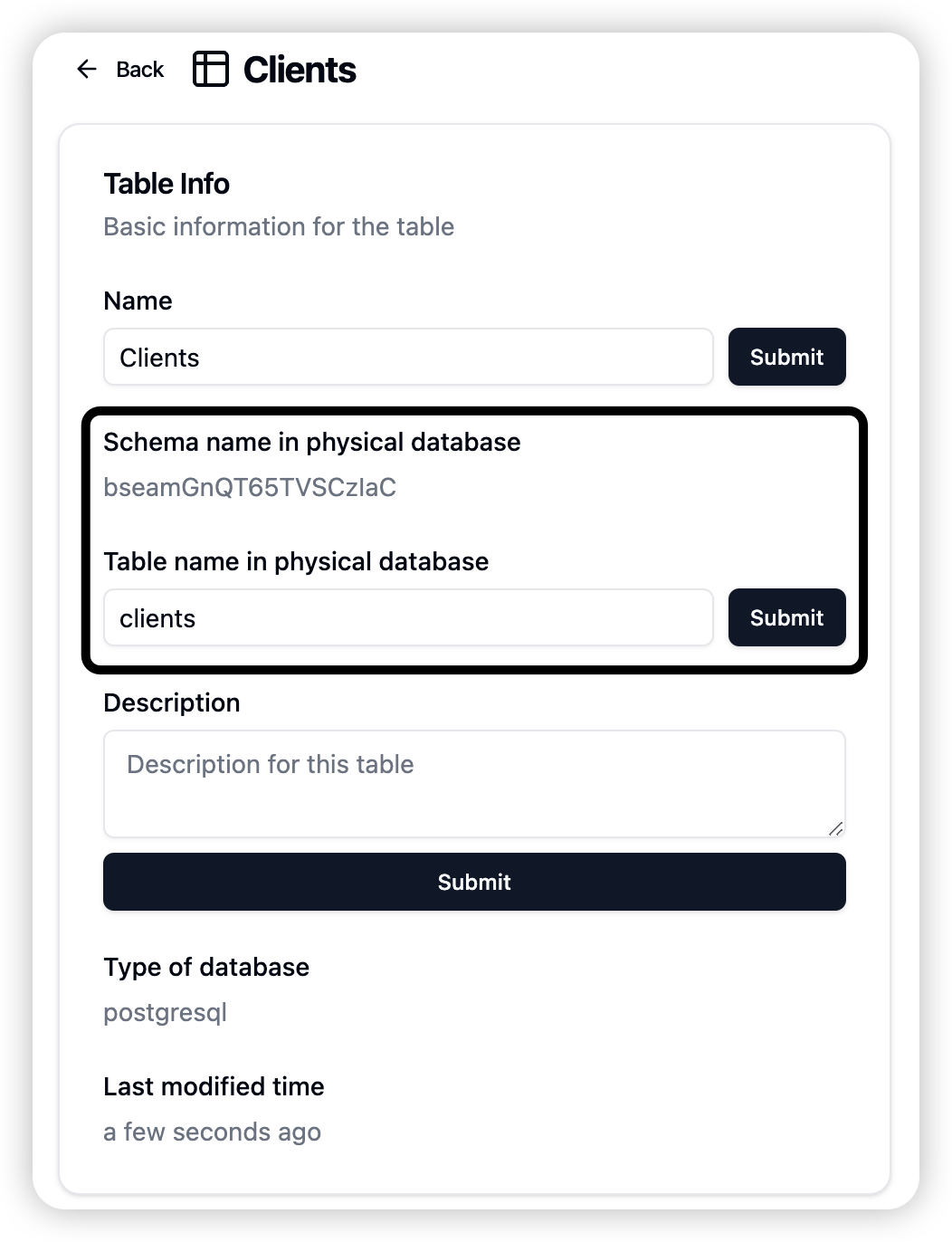 Tip: You can modify the physical table name in the design interface if needed.
Finding Field Names
Field (column) names in the database may differ from the Teable interface. Check the dbFieldName in the design interface.
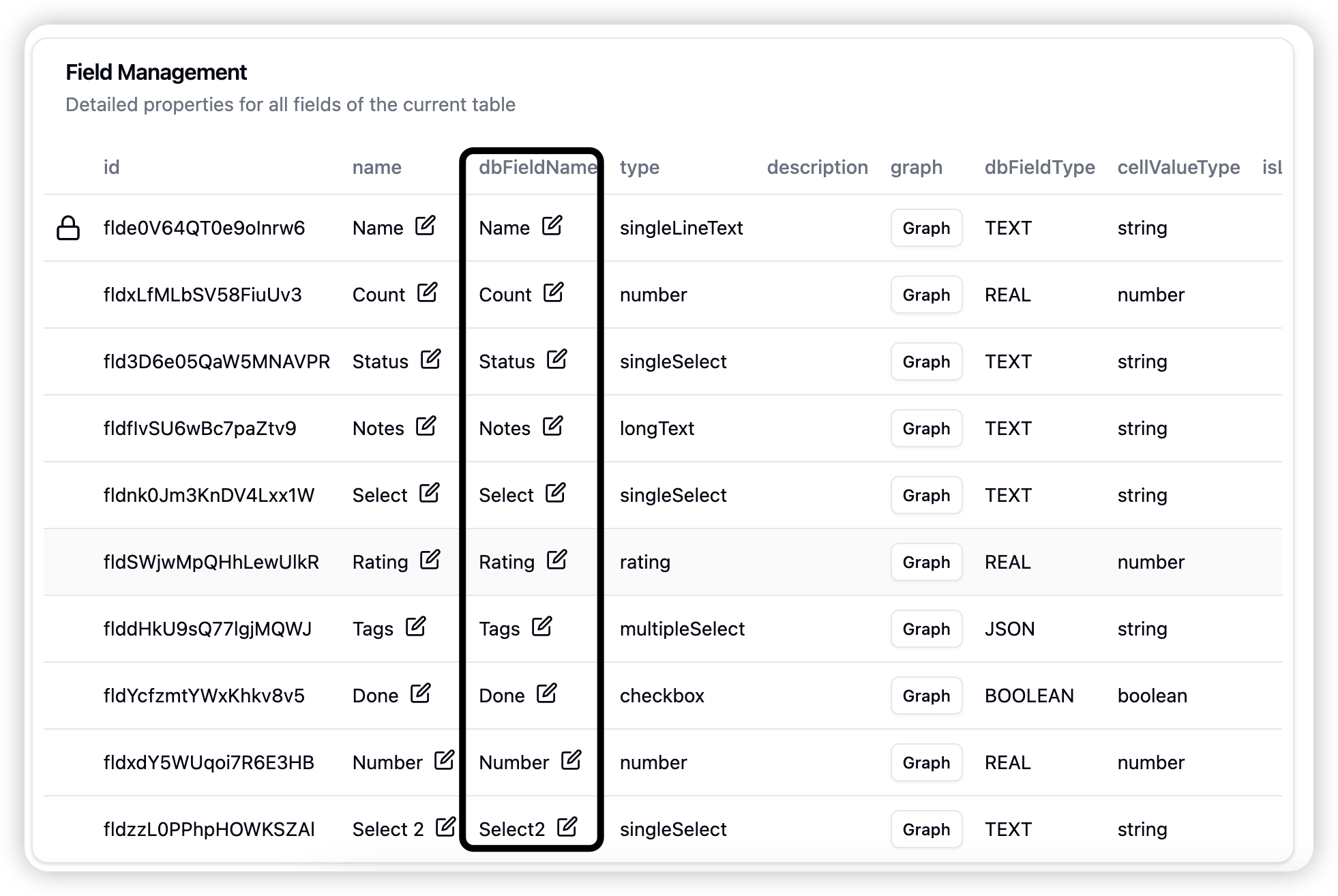 Tip: Changing field names in Teable won’t sync automatically. Modify
 dbFieldName explicitly to change the actual column name in PostgreSQL.
System Fields
Teable automatically creates these system fields (cannot be renamed):
| Field | Description |
|---|
__id | Unique ID |
__version | Version number |
__auto_number | Auto-incrementing number, primary key |
__created_time | Creation time |
__last_modified_time | Last modified time |
__created_by | Creator ID |
__last_modified_by | Last modifier ID |
__row* | View index fields, used to maintain record order |
__fk* | Foreign keys for relationship fields |
Junction Tables
Tables starting with junction_ are system-generated tables for handling ManyToMany and unidirectional relationships.
Permission Notes
The database connection is scoped to the current base only. PostgreSQL schemas provide permission isolation, ensuring you can only access tables within your base.
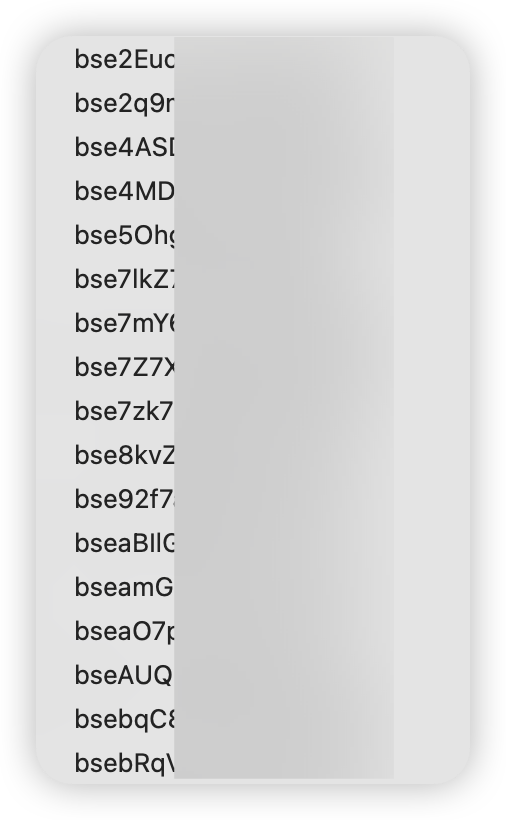
You may see other baseIds (schema names) when connecting, but you cannot access their content.
Connection Limits
Default limit is 20 concurrent connections.
Writing Data
Teable does not allow direct database writes through external connections. To modify data, use the Teable API instead.
Closing the Connection
In the Database Connection panel, click delete to close the connection. The old password will be cleared, and creating a new connection will generate new credentials.Last modified on May 29, 2026

