

What is a Space Collaborator?
When you share a space with another user, they become a space collaborator with access to all projects within that space.Adding Space Collaborators
- Click the space where you want to add collaborators in the left sidebar.
- Click the “Invite” button near the top of the space.
- This opens the space invitation window, where you’ll see options to invite via email or link. You’ll also find previously configured “Invitation Links” and existing “Space Collaborators” in their respective sections.
- Email invitation: Enter an email address or multiple addresses (separated by commas). Then, set the permission level you want users to have for all projects in the space. Finally, click send email to invite users to collaborate. After sending an email invitation, you can copy the direct Space link shown in the panel and send it separately. The invitee also receives an in-app notification that opens the Space.

- Link invitation: Click the “Invite via Link” option. Then, set the permission level that the invitation link will grant for all projects in the space. Finally, click create link. You can now click the clipboard icon next to the created link to share it however you see fit.
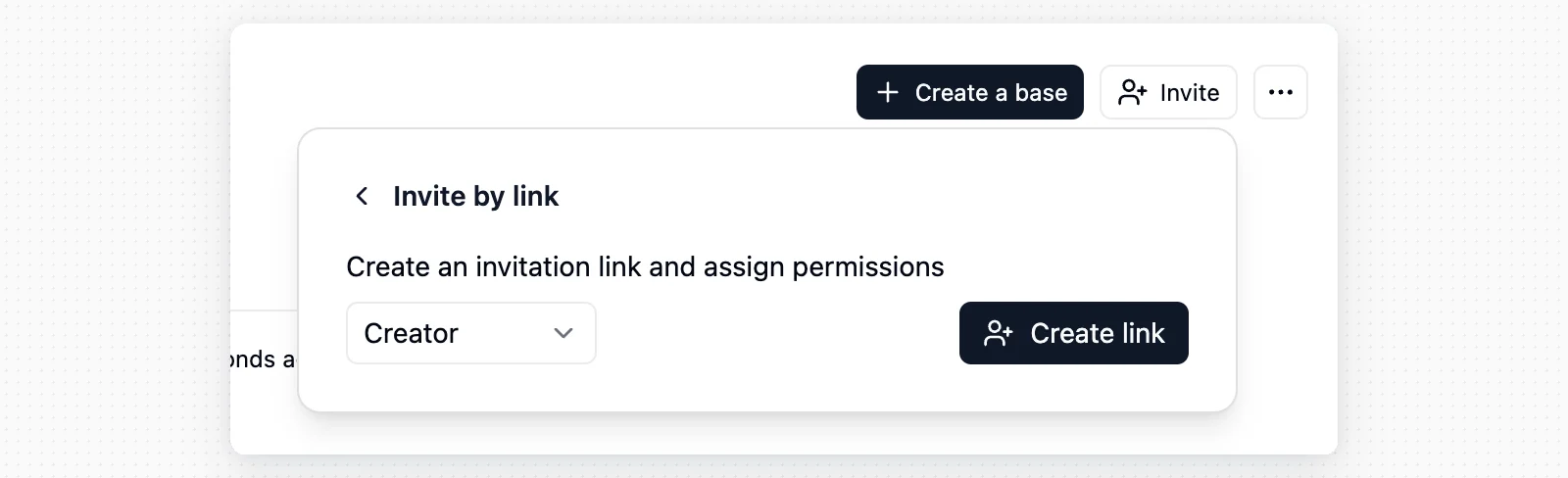
Space collaborators have access to all projects in the space. If someone only needs to work on specific projects, consider making them Project Collaborators.
Deleting Invitation Links
To delete an invitation link, click the X on the right side of the link. This will invalidate the link, and anyone trying to use the old link will not be able to access the space.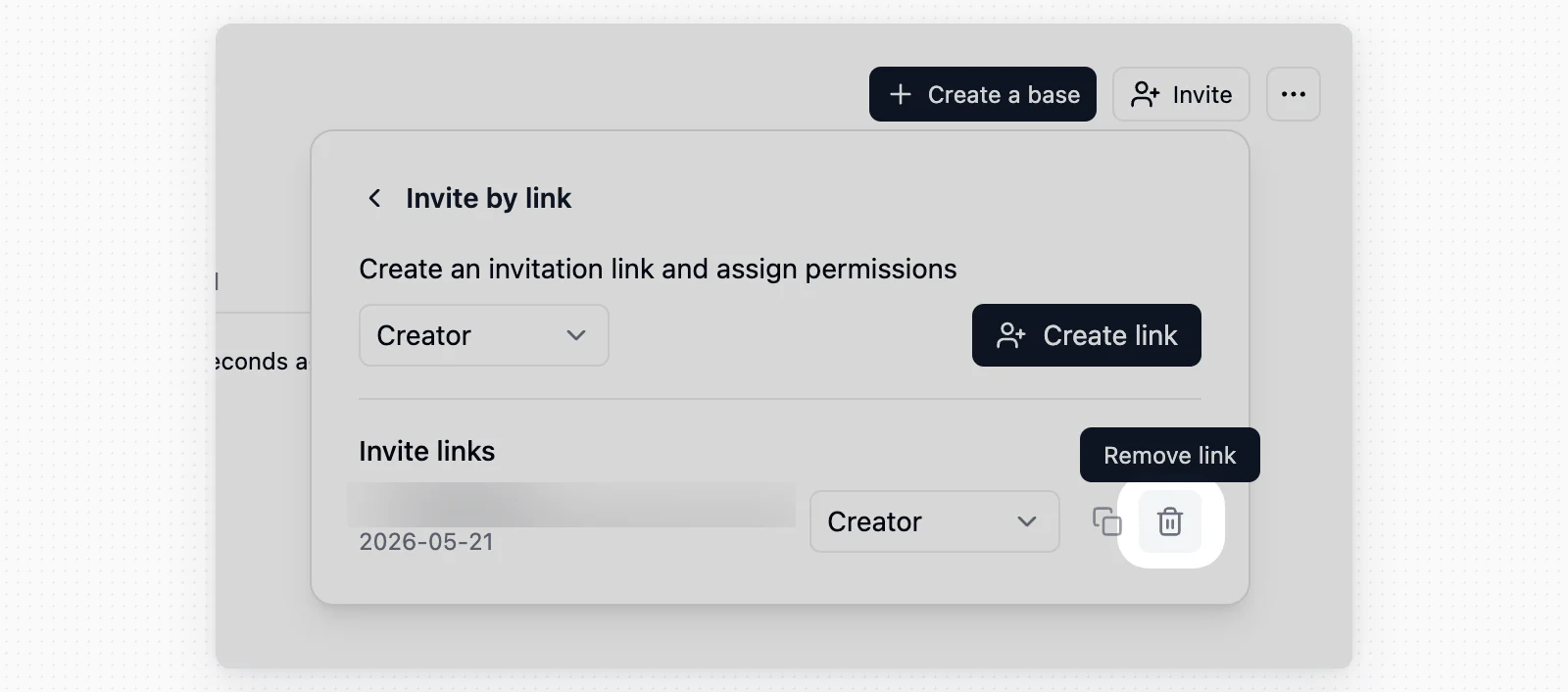
Removing Space Collaborators
You can remove space collaborators from the space sharing window. Click the X next to the user you want to remove. A few things to note: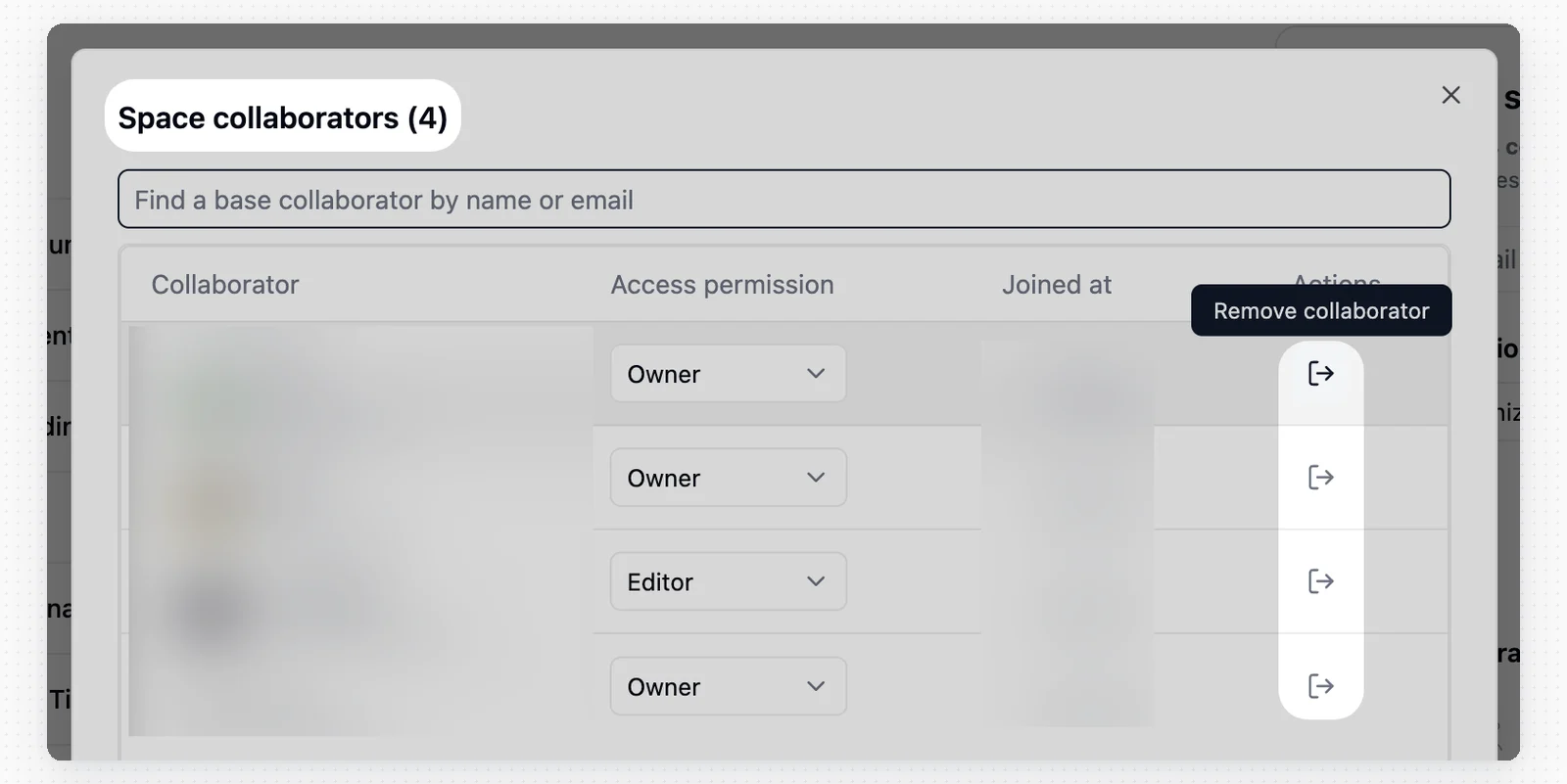
- Permission restriction: Only users with Manager or Creator permissions can remove other collaborators.
- Self-removal: You can remove your own access if there is at least one other Manager in the space.
- Scope: Removing someone from the space does not remove the permissions they hold on individual projects.