

What is a Project Collaborator?
A project collaborator is a member invited to a specific project only. Unlike space collaborators, they can only access the projects they’ve been invited to and cannot see other projects in the space.Adding Project Collaborators
Enter any project and click theInvite button in the top-right corner. Two methods are supported:
- Invite by email: Enter the recipient’s email address, set the project permission level (e.g. “Creator”), and click Send Invitation.
- Invite by link: Switch to the “Invite via Link” tab to generate a dedicated invitation link. Copy and share the link. Recipients can join by clicking it.
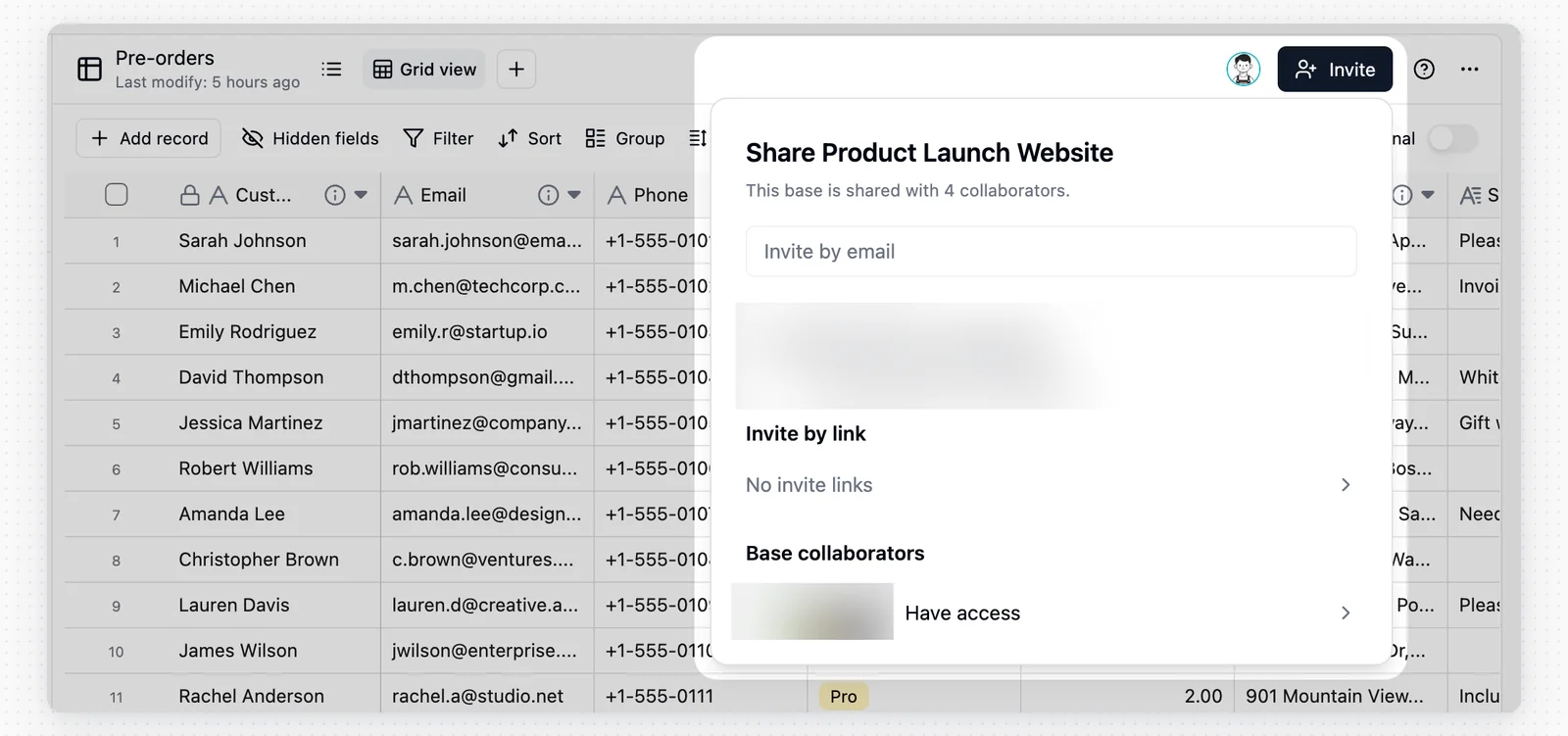
- Project collaborators: Members invited directly to this project only.
- Space collaborators: Shown with a “Space” badge next to their name, indicating they are space-level members who automatically inherit access to this project.
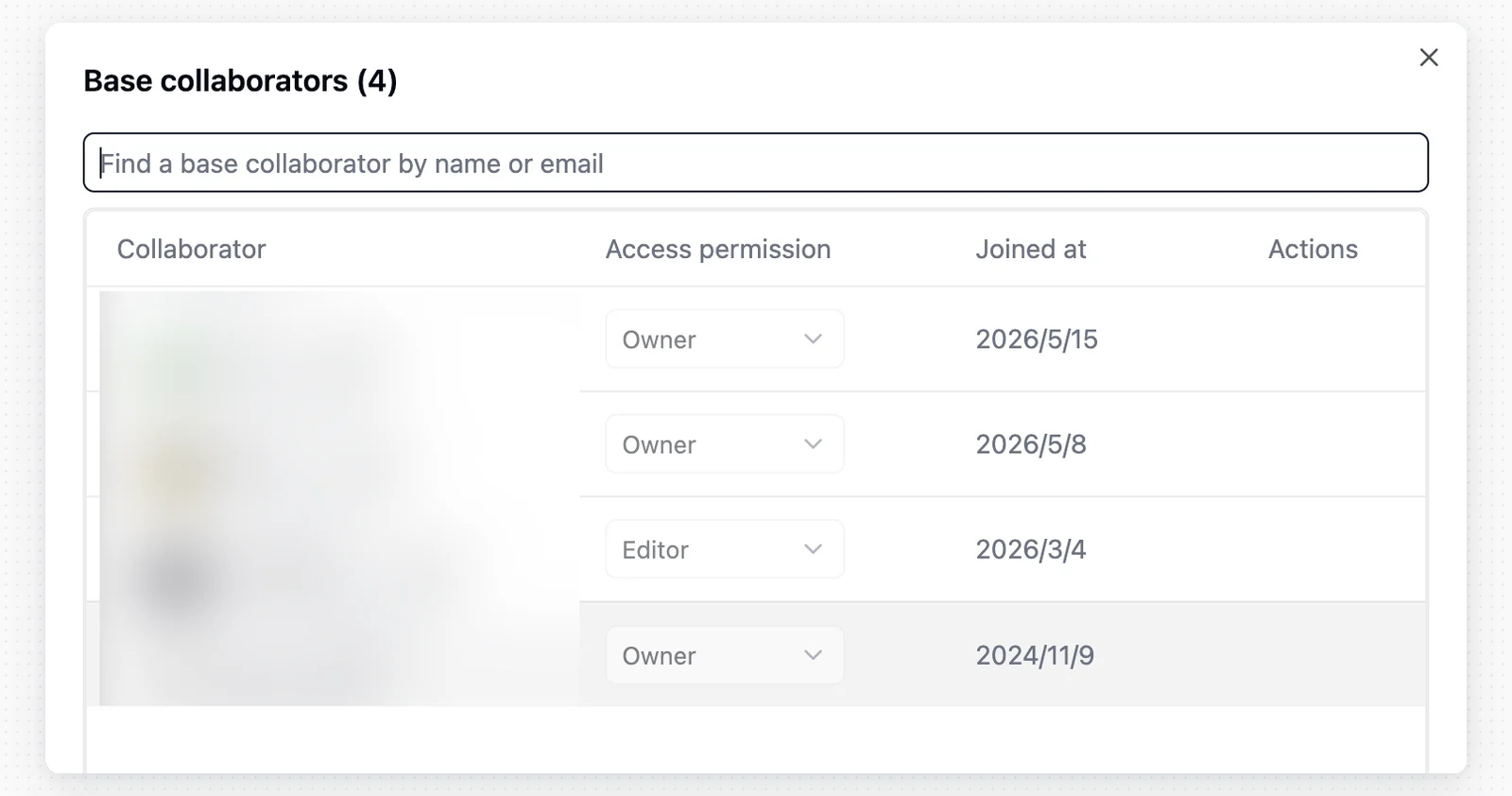
For finer-grained control at the table, field, or record level, use the Authority Matrix feature.
Use Cases
Project invitation is designed for external collaborators. For example, a freelance designer hired to organize an asset library can be invited to that project alone with Editor permission, without seeing any other projects in the space.Notes
- Permission inheritance: A space Manager automatically has full access to all projects in that space and cannot be downgraded at the project level.
- Link security: Anyone who obtains an invitation link can attempt to join the project. If a link is leaked, you can revoke it by clicking the X next to it in the invitation panel.